
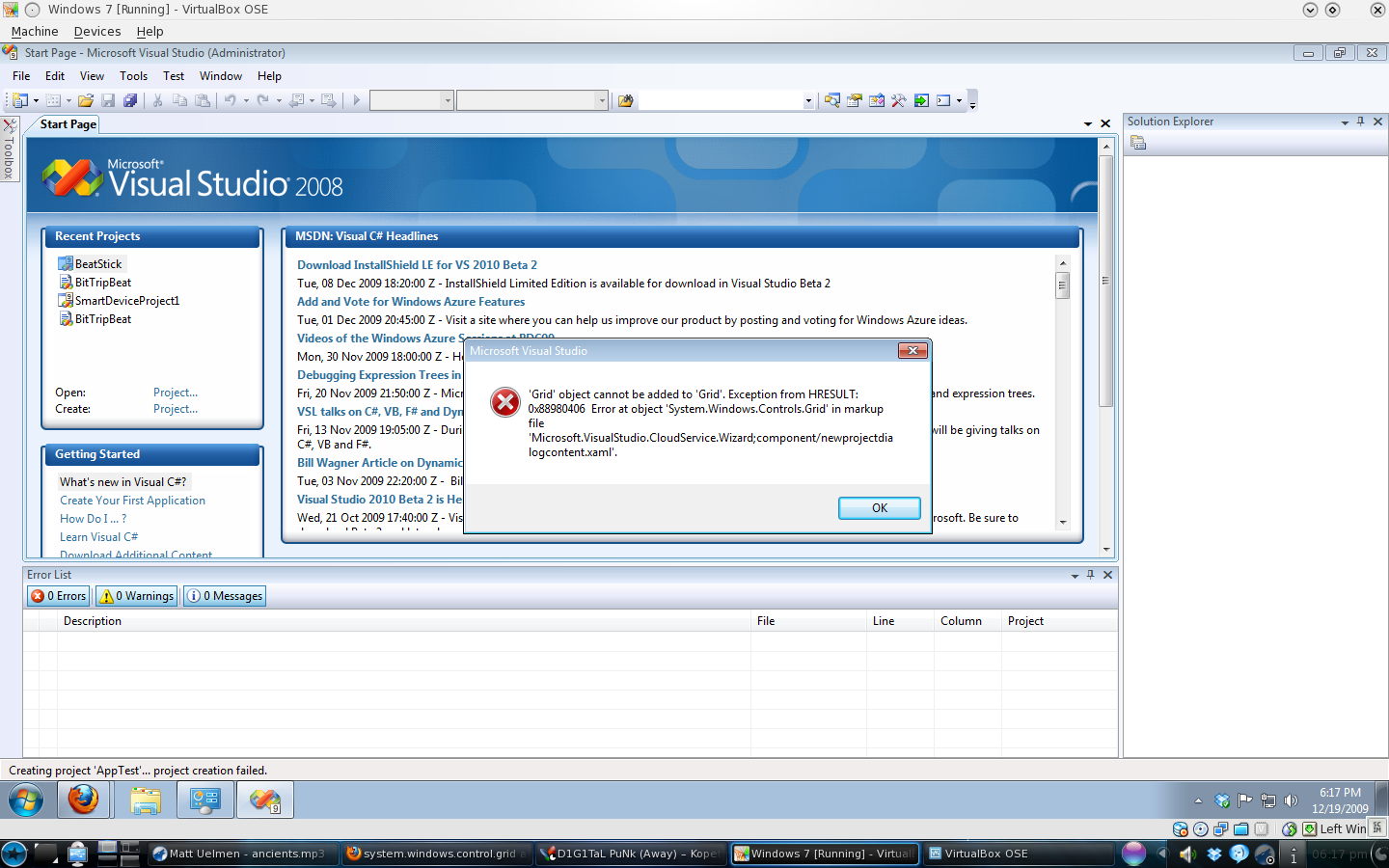
This is not a typical blog post for this blog and I apologize for this one in advance. I’ve been working with some friends from Coffee and Code on gearing up Azure development and I need the community’s help. Your help.
I’ve freshly installed a copy of Windows 7 in VirtualBox. I’ve installed Visual Studio 2008 Professional and its SP1. I’ve also selected .NET framework 3.5 from the Windows features menu. I’ve reinstalled DX11 and Uninstalled then reinstalled the Azure SDK and the Azure VS2008 tools.
Every time I go to create a new project I get this error:
'Grid' object cannot be added to 'Grid'.
Exception from HRESULT: 0x88980406.
Error at object 'System.Windows.Controls.Grid' in markup file.
'Microsoft.VisualStudio.CloudService.Wizard;component/newprojectdialogcontent.xaml'.
After I click OK (the only option available), Visual Studio shows the message in the status bar:
Creating project AppTest ... project creation failed.
I’ve searched on the web and asked around to find a fix for this error as I’d really like to get going on Azure development. Can anyone in the community help me?
Update! I’ve since learned that this is due to a bug between the 3D acceleration in VirtualBox, Windows 7, and Windows Azure SDK.